
Sponge: Free Way to Quickly Clear Android Phone Storage
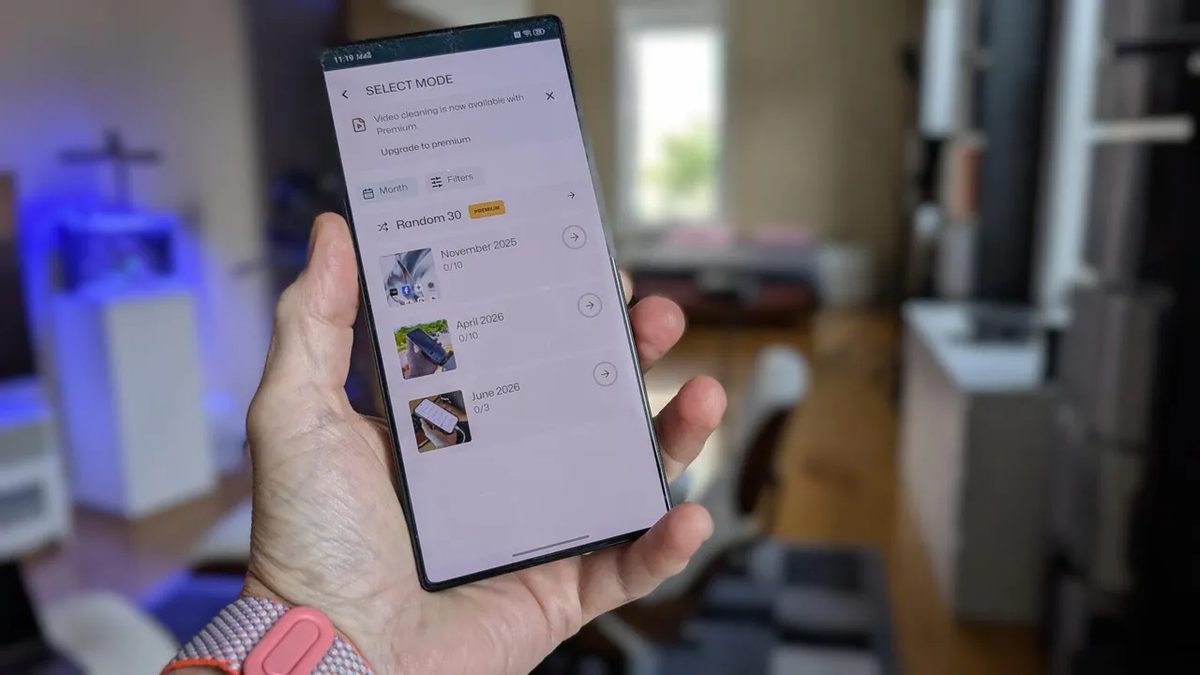
Photo: ZDNet
Quick answer
Sponge for Android simplifies deleting old photos and videos with swipe gestures, saving time and freeing up device storage.
Modern smartphones quickly run out of storage with photos and videos, and deleting them via standard apps like Google Photos* can be slow and inconvenient. The Sponge app offers a solution: it lets users remove unwanted files with simple swipes, similar to popular dating apps.
Users open Sponge, select a month or collection, then swipe left to delete a photo or swipe right to save it. The app works only with local data, leaving cloud backups untouched, so there’s no risk of accidentally losing important files. The free version supports deleting photos by month, while the paid version (251 ₽) adds video and collection support.
Sponge also includes monthly reminders to clean up storage, ideal for users who forget to check their device’s storage regularly. The app is available on Google Play* and installs in seconds. According to a ZDNet review, Sponge helped delete hundreds of photos in just one minute, far faster than standard methods.
Common questions
- How does the Sponge app work on Android?
- Sponge lets you delete photos and videos with swipes: left to delete, right to save. It supports deletion by date or collections, and includes cleanup reminders.
- Is Sponge available for free?
- Yes, the free version allows deleting photos by month. The paid version (251 ₽ one-time fee) adds video deletion and collection support.
- Does Sponge delete files from cloud storage?
- No, Sponge only removes local copies and does not affect backups in Google Cloud or other cloud services.
Dzen feed: /feed/dzen.xml · RSS: /feed.xml