
3 Unofficial Android Auto Apps to Expand Your Car Screen's Capabilities
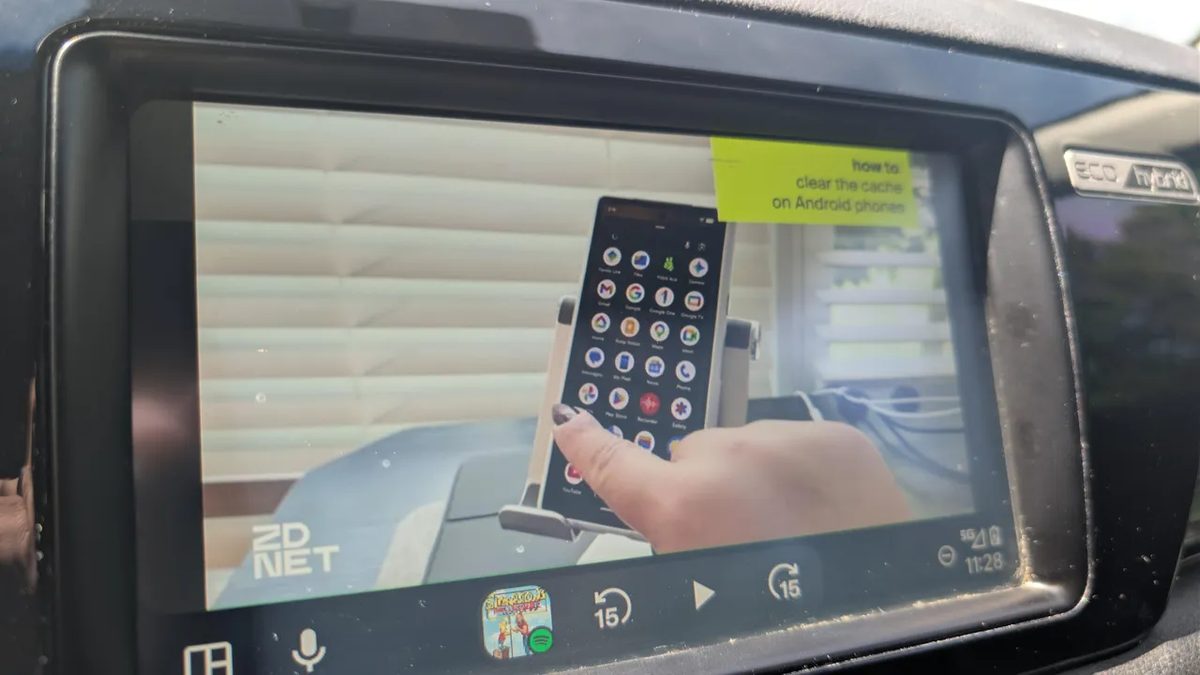
Photo: ZDNet
Quick answer
Third-party Android Auto apps unlock features unavailable in the official store, including YouTube playback, web browsing, local media playback, and IPTV streaming.
Android Auto is a convenient system for integrating your smartphone with your car, but its functionality is limited to official apps from Google Play. However, third-party solutions can unlock new capabilities, such as video playback, web browsing, and local media file playback. To do this, you’ll need to enable developer mode and use a specialized app loader like AAAD.
One of the most popular unofficial apps is CarStream, which allows you to watch YouTube videos directly from your car’s screen. The app’s interface is user-friendly and supports all major platform features, including search and Shorts playback. Another useful tool is AA Browser, which provides internet access without needing to use your smartphone. This is convenient for quick information searches or accessing services not officially supported in Android Auto.
The most versatile tool is Fermata Auto—a multimedia center that combines local file playback, IPTV, and even screen mirroring. The app supports YouTube and web browsing, making it a convenient alternative to multiple separate programs. Installing these apps requires minimal technical skills but opens up new possibilities for using your car’s display.
Common questions
- What functions do unofficial Android Auto apps add?
- They enable YouTube video playback, web browsing, local media file playback, and even IPTV streaming, expanding the system’s default capabilities.
- How do I install third-party apps on Android Auto?
- Enable developer mode on your smartphone and in Android Auto, then install the AAAD loader. After that, you can sideload unofficial apps.
- Are unofficial Android Auto apps safe to use?
- Sideloading apps carries security risks. Always use trusted tools and avoid unverified sources to minimize potential threats.
Dzen feed: /feed/dzen.xml · RSS: /feed.xml