
Wi‑Fi
Router setup
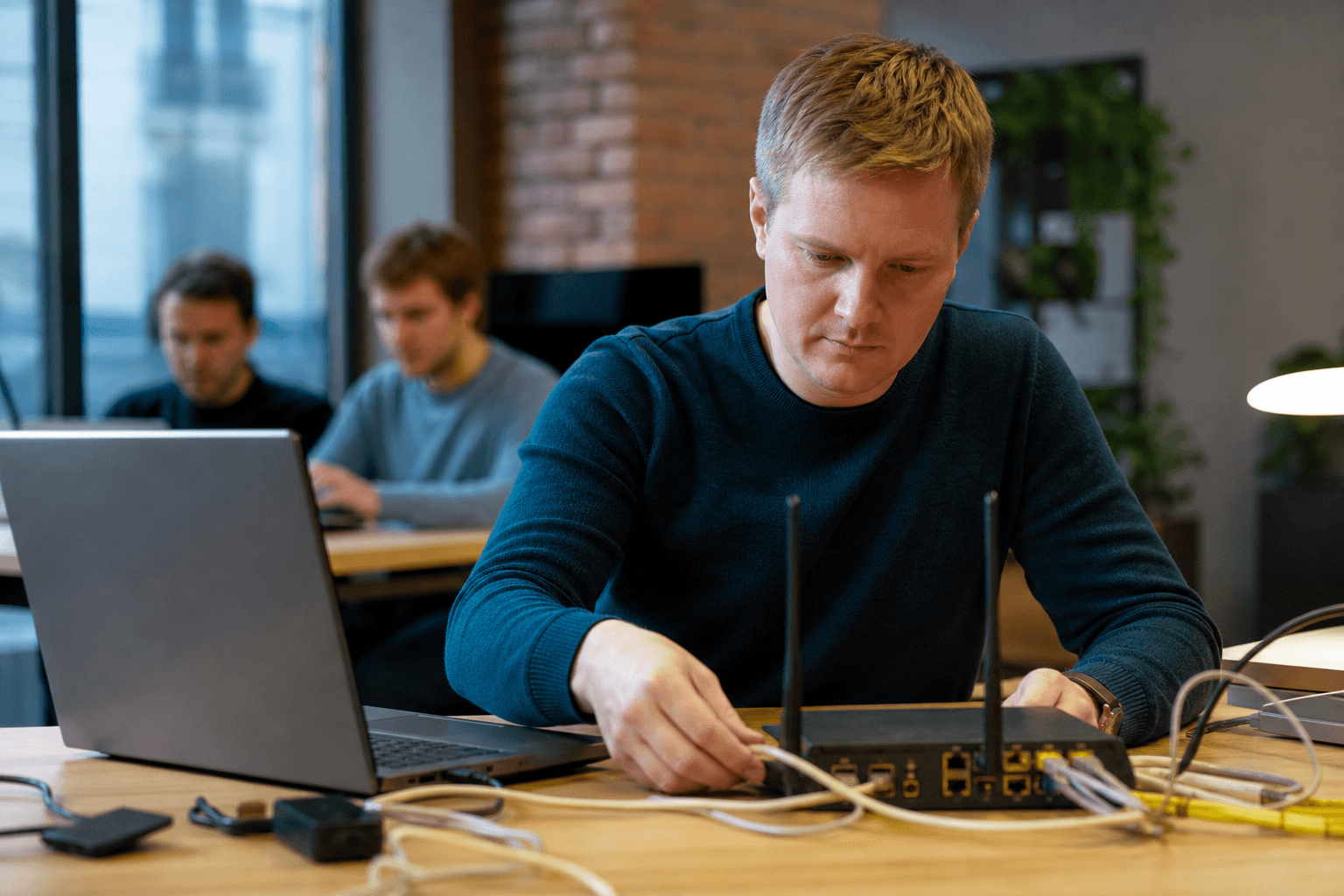
A properly configured router is the foundation of a stable internet connection. We connect your equipment to the provider, set up Wi-Fi without dead zones, and close common security vulnerabilities.
from 3 000 ₽
Quick answer
Firewall, NAT, DHCP, guest Wi‑Fi. Moscow — V-Help.
What you get
- All models: Keenetic, MikroTik, TP-Link, ASUS
- Password change and firmware update
- Wi‑Fi optimization based on layout
What is included in the service
Connecting the provider's cable, entering login and password (PPPoE, L2TP, static IP).
Configuring two Wi‑Fi bands (2.4 GHz and 5 GHz), separate guest network for visitors.
Firmware update, changing default passwords, basic firewall setup.
When to order
Purchased a new router or moved in — need a quick setup without dealing with manuals.
Internet keeps dropping or Wi‑Fi signal doesn’t reach certain areas — we’ll optimize channels and modes.
Need to separate home and work networks in one apartment or office.
FAQ
- How long does the setup take?
- Typically 1–2 hours on-site or 30–60 minutes remotely if the router is already connected to the network.
- Do you work with routers provided by the ISP?
- Yes. If possible, we recommend using a separate router for easier maintenance and ISP switching.
Related services
Wi‑Fi setup and boost
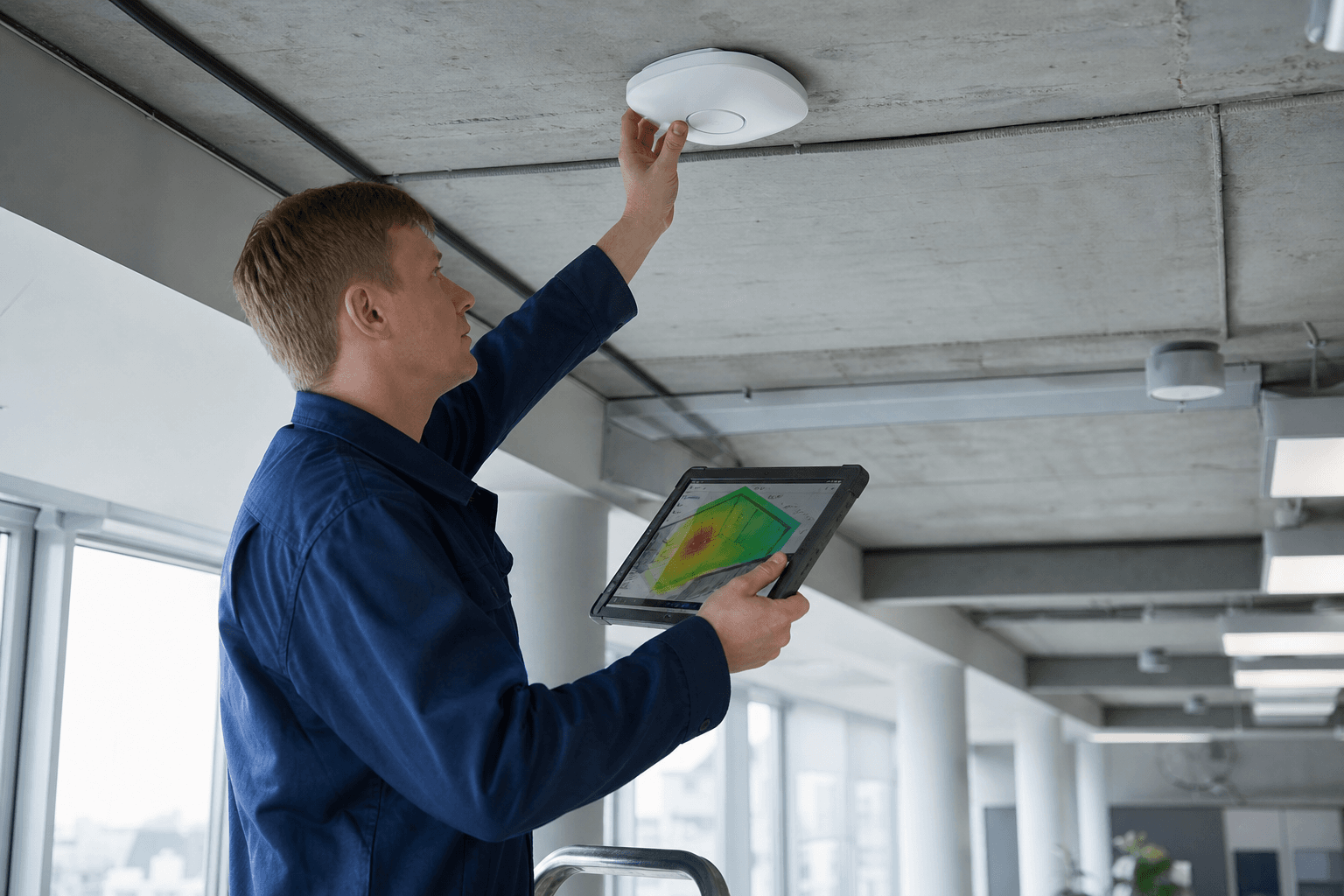
Site survey, access points, channels, and roaming.
from 4 000 ₽
- Signal level measurement
- Equipment selection
- Roaming configuration between access points

Mesh Wi‑Fi installation
Mesh system design, install, and tuning for coverage.
from 5 500 ₽
- Node placement plan
- Seamless unified network
- Mobile app and parental controls
Corporate office VPN
IPsec/WireGuard VPN for branches, 1C, and remote work.
from 6 000 ₽
- Site-to-site connectivity between offices and branches
- Remote access to 1C and corporate network
- VLAN segmentation and user access control
Need advice on “Router setup”?
Send a request — we will call back with a quote for your site.
Contact us